Popdust Reviews
Your Mac Doesn’t Need Another Chatbot. Meet Eney, the AI Assistant That Takes Action

17 Jul

This article includes affiliate links. We may earn a commission if you make a purchase, with no extra cost to you.
Back-to-work season always begins with the same fantasy: a clean inbox, an organized calendar, and exactly four browser tabs. By lunch, you are searching three apps for one document while a meeting reminder disappears beneath 46 notifications.
Your Mac does not need another chatbot giving you a seven-step plan. It needs something willing to do the steps.
That is the thinking behind Eney, MacPaw’s proactive AI assistant for Mac. Working through one conversational window, Eney can connect tools and complete practical tasks instead of simply returning an answer. Its current Preview offers more than 150 built-in skills, plus a proactive snapshot of the day ahead.
EDITOR’S PICK
Let Eney Handle The Work You Keep Putting Off
From meetings to messy tabs, Eney helps organize your day without bouncing between apps.
Try Eney FreeEney’s Most Useful Everyday Skills
Eney can simplify everyday tasks with practical tools designed to make your Mac feel more organized and less overwhelming:
- Morning Start: Get a personalized daily briefing when you open your Mac, including upcoming meetings and tasks that need your attention.
- World News Catch-Up: Receive a short, digestible summary of the latest news without jumping between multiple tabs or sources.
- Browser Tabs Manager: Scan, search, and organize your open browser tabs with a single click, making navigation far less chaotic.
The AI Assistant for App-Switching Fatigue
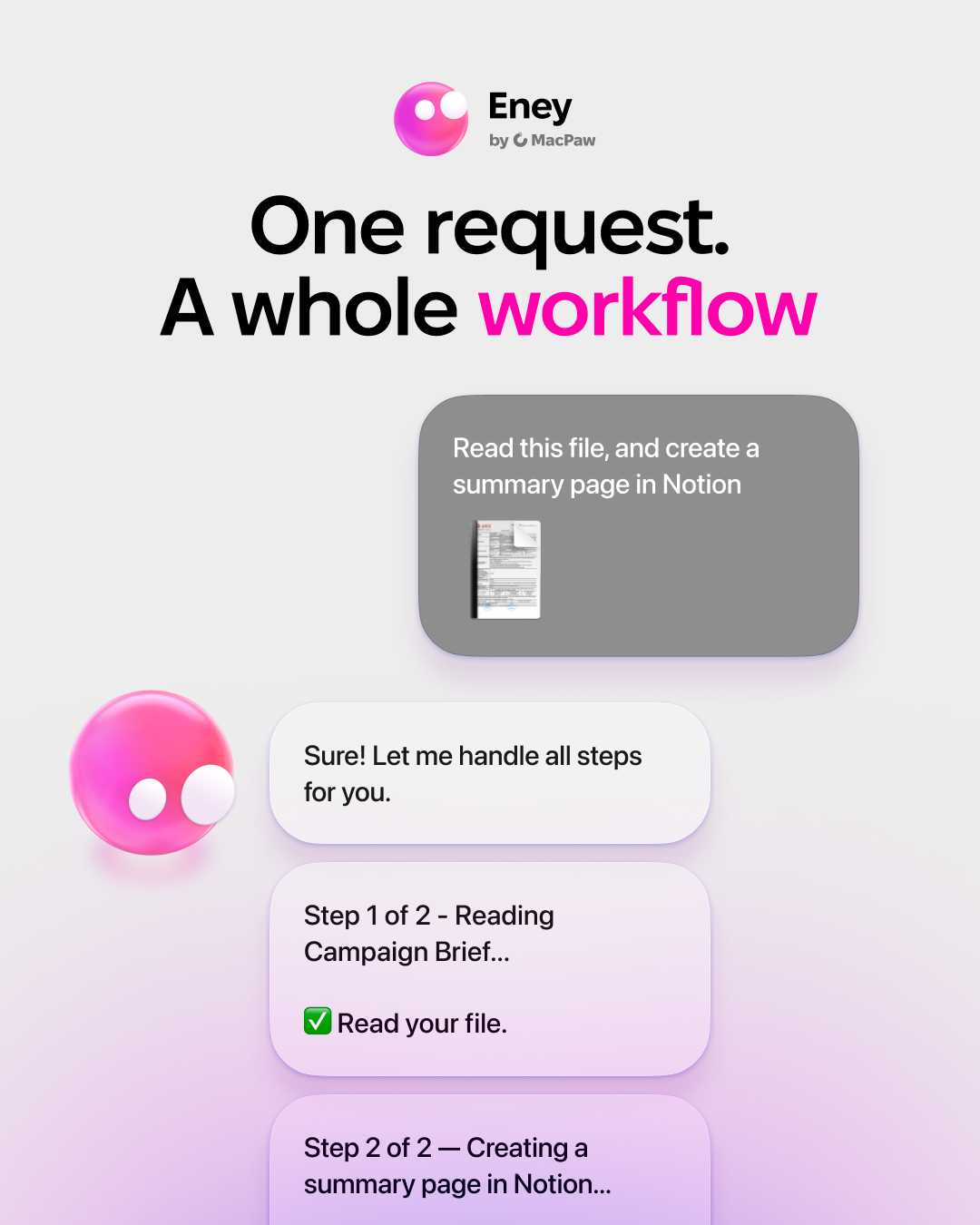
Eney’s pitch is less “write me a motivational to-do list” and more “find the Notion page, update the Linear task, and create the Google Doc before I forget why I opened my laptop.”
It connects with platforms including Notion, Linear, Jira, Confluence, and Google Workspace. Eney can also find Google Drive files, create or edit Docs, split PDFs, draft messages, capture meeting notes, and handle quick image or video jobs.
That matters because digital busywork rarely stays inside one app. The real productivity drain is the obstacle course between your email, calendar, document, project board, and browser. Eney brings more of that work into one place while keeping you in control.
The Preview Reality Check
Eney is still labeled Eney Preview, so the experience is evolving. It is currently offered as a standalone Mac app through Setapp Marketplace, with a free trial available.
That makes it most appealing to early adopters, remote workers, students, freelancers, and anyone whose daily workflow has become a scavenger hunt across apps.
No AI assistant can make Monday emotionally acceptable. But one that handles files, follow-ups, and repetitive clicking? That is a credible start.
Your Mac Doesn’t Need Another App
It needs something that actually handles the tasks for you.
See What Eney Can DoEney AI Assistant FAQ
What is Eney?
Eney is a proactive AI assistant for Mac created by MacPaw. It helps complete everyday tasks across apps instead of just giving you answers.
What can Eney actually do?
Eney can organize your day, surface key info, draft messages, manage files, and help complete multi-step workflows without jumping between apps.
How is Eney different from ChatGPT?
ChatGPT mainly responds to prompts. Eney is designed to take action across your Mac apps, helping move tasks forward instead of just suggesting what to do.
Is Eney free to try?
Eney is currently available to try for free through Setapp while in Preview, though availability and pricing may change.
Which apps does Eney work with?
Eney integrates with tools like Google Drive, Notion, and other popular productivity apps, helping streamline workflows across platforms.